
FILES CHECKED OUT BY YOU
1. Open Autodesk Vault Collaboration and log in
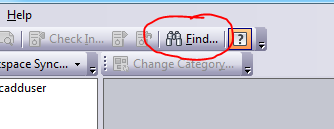
2. Click the Find… icon
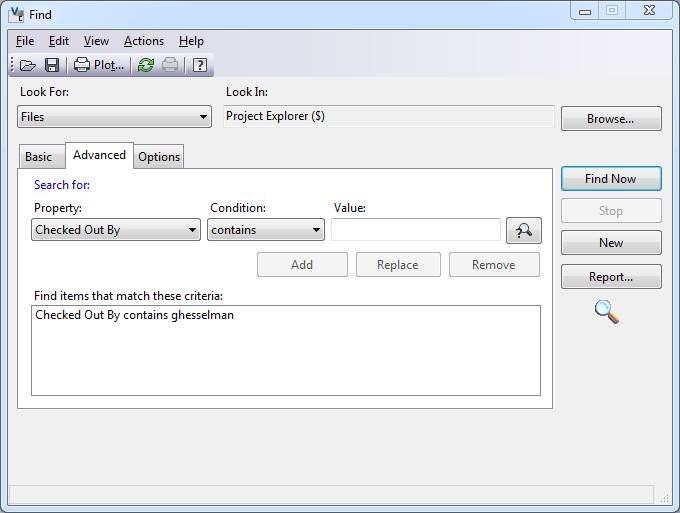
3. In the Find dialog box, under Look For: choose Files. Click the Advanced Tab. Under Property:
choose Checked Out By, Condition: contains, and under Value: enter your user name. Click add,
then the Find Now button to view all files that are checked out by you.
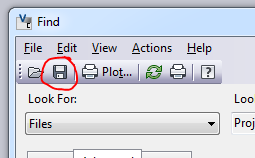
4. To save, click on the Save icon.
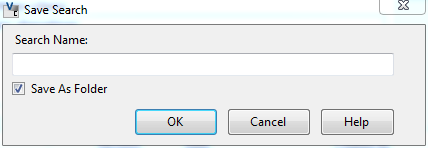
5. Save your search by naming it “Files checked out by me”
Comments
0 comments
Please sign in to leave a comment.