
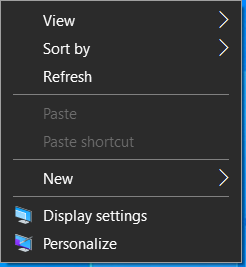
1. Right-click anywhere on the desktop and choose Display Settings from the menu.
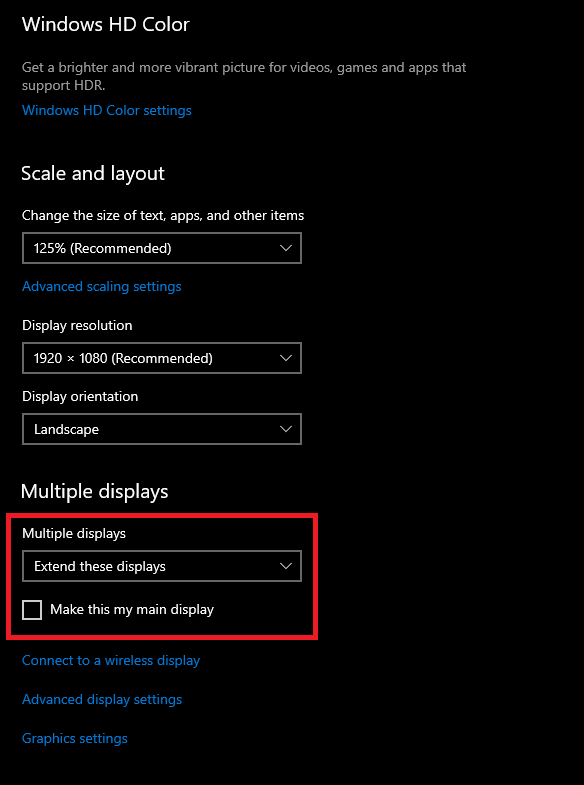
2. If all of your monitors are showing the same thing, scroll down to the bottom of the to the drop down that says Duplicate, select Extend, and scroll back to the top. Otherwise, proceed to the next step.
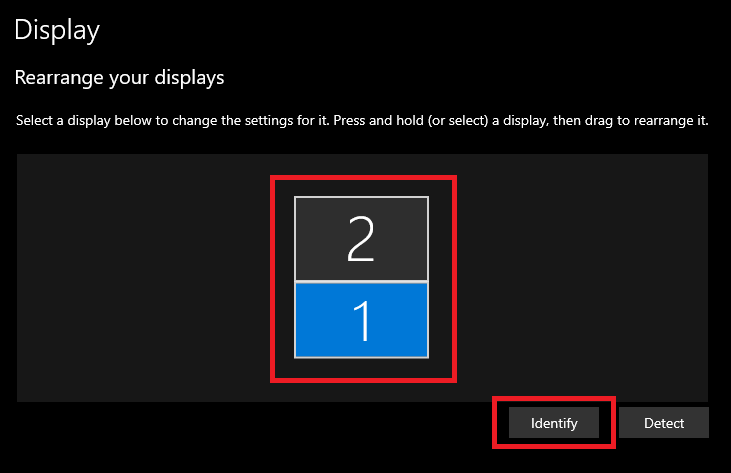
3. You'll see a number of boxes equal to the number of displays you have connected (Monitors and Laptop). Click Identify, and a number will appear on each monitor that corresponds with one of the boxes. Click and drag each numbered box so that it reflects how the numbers show up physically in front of you and then click Apply.
Comments
0 comments
Article is closed for comments.