
- Double click on the Microsoft Outlook icon on your desktop.
- With Microsoft Outlook open, click on File (top left of screen), then, click on Options.
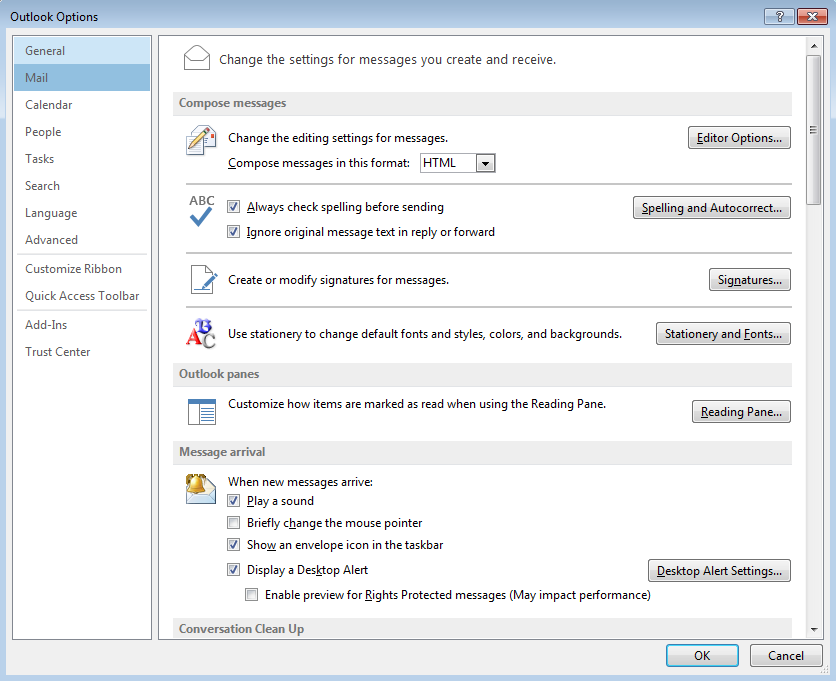
- On the left pane, click on Mail, then on the right pane, click on the Signatures This will bring up the Signatures and Stationery box.
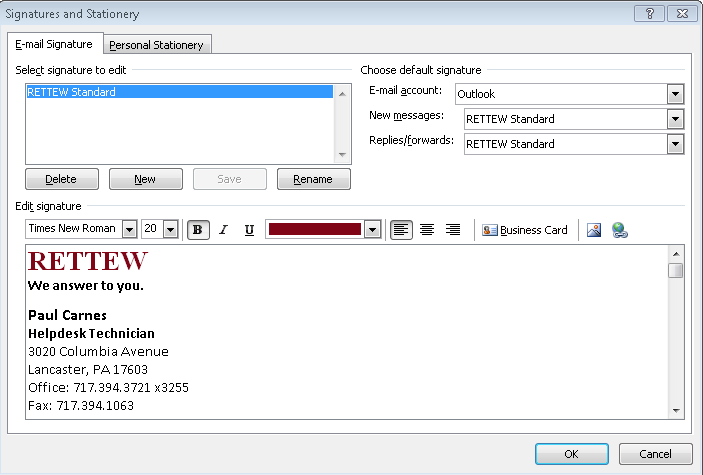
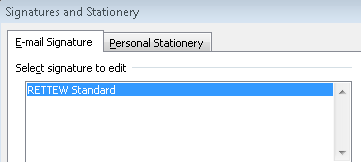
- Verify that RETTEW Standard is selected in the Select signature to edit
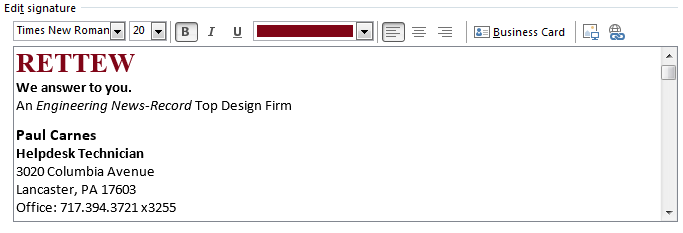
- Then click in the Edit signature area and edit your signature as needed.
- When finished, click the Save button, then click ok to close the signatures and stationery box. Click ok one last time to close the Outlook Options box.
Comments
0 comments
Please sign in to leave a comment.