
- Click here to download the Full Feature Solution Installer.
- A window asking to Run a file will appear. Click Run.

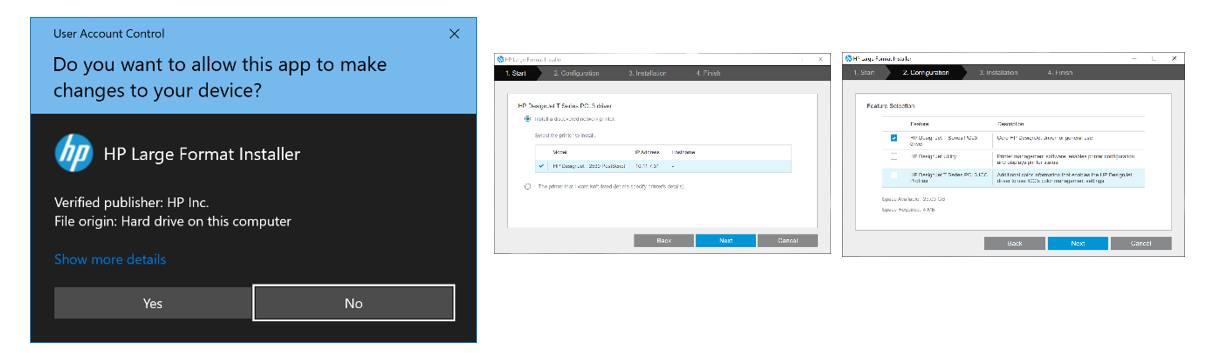
- Click Yes to allow the app to make changes, click next (contact Helpdesk if plotter not found).
- Uncheck HP DesignJet Utility and HP DesignJet T Series PCL3 ICC Profiles and click next.
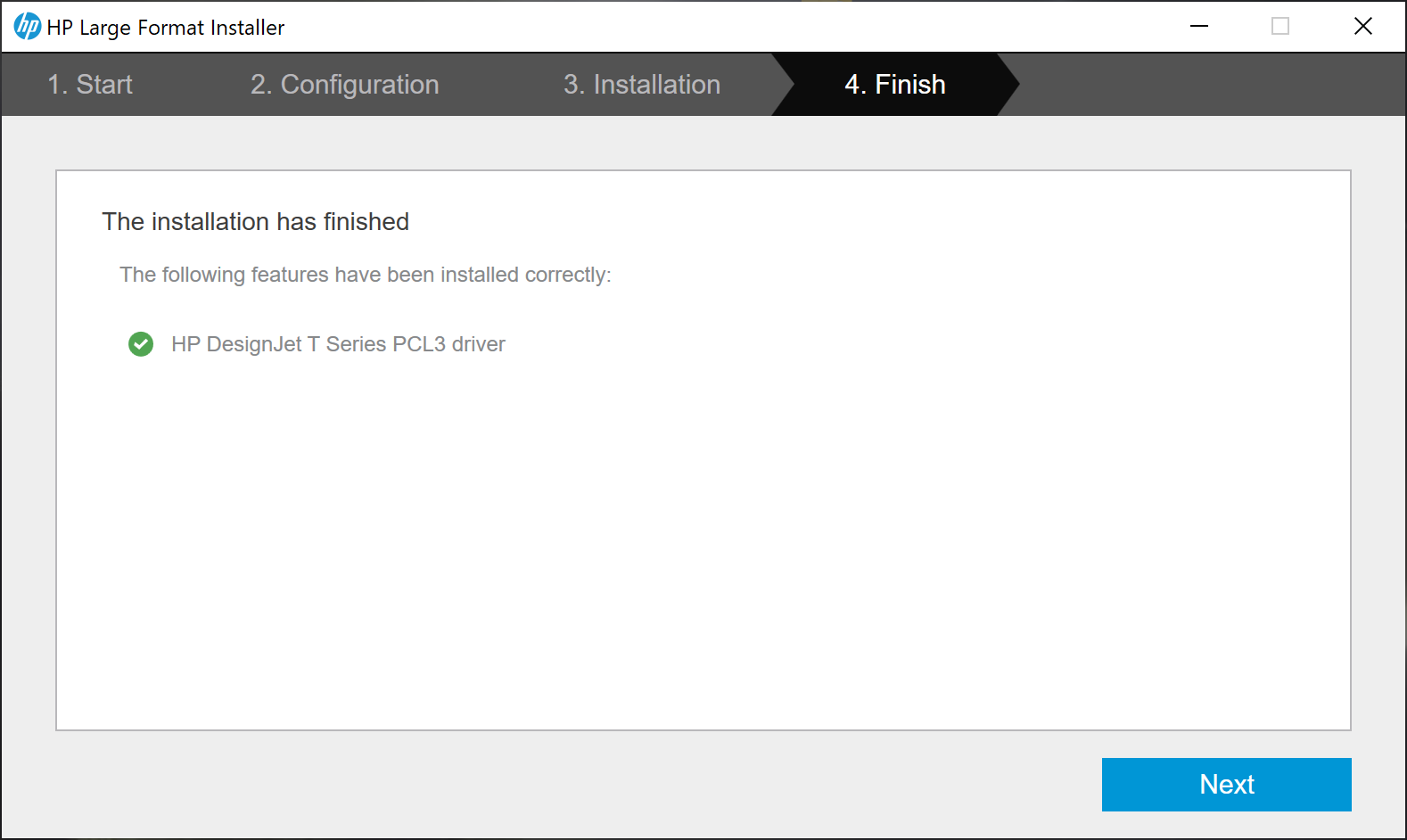
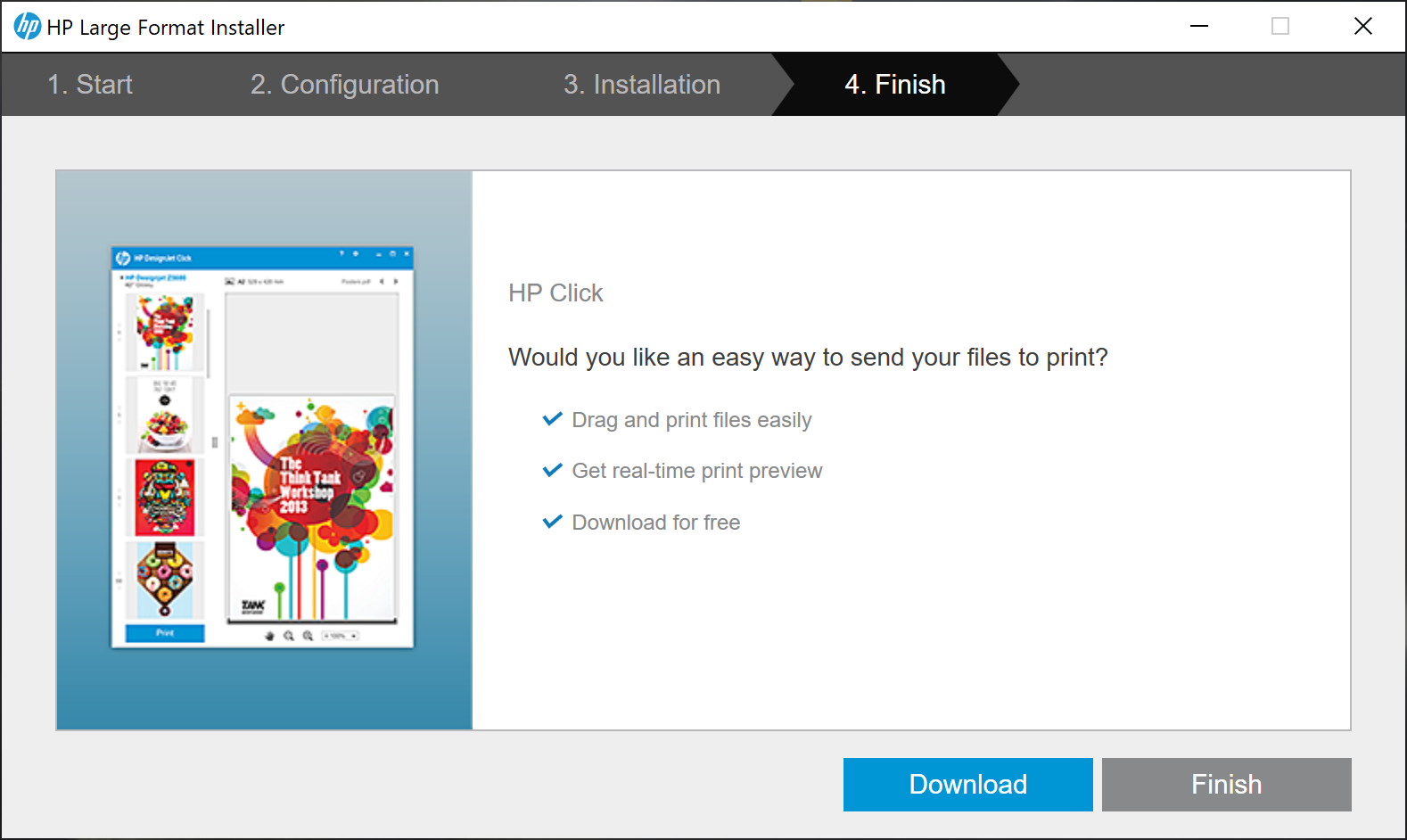
- Click next. In the next window, Click Finish.
6. If you do not see the plotter after installing, do a reboot on your computer.
Comments
0 comments
Please sign in to leave a comment.