
1. Navigate to Z:\Shared\Service Areas\Information Technology and Facilities\Resources\BST\Reinstall BST
2. Double click 1 – Close Internet Explorer
a. Run this even if you do not have any IE windows currently open. Processes running in the background can prevent BST from uninstalling.
3. Double click 2 – UninstallBSTe
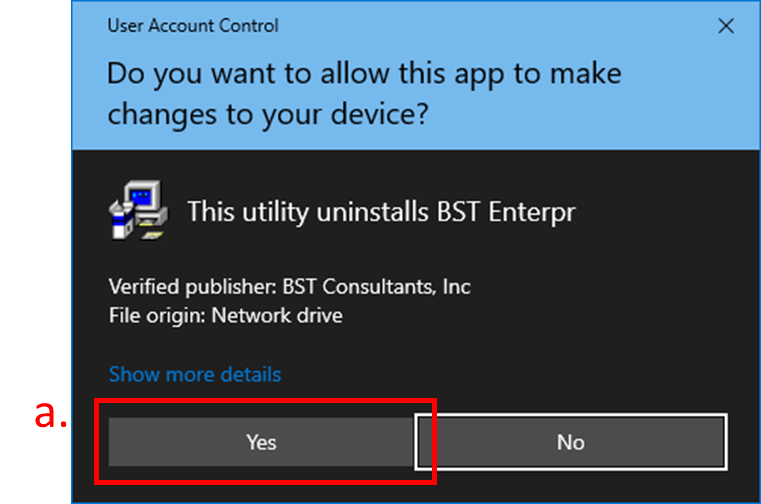
a. Click Yes in the User Account Control window.
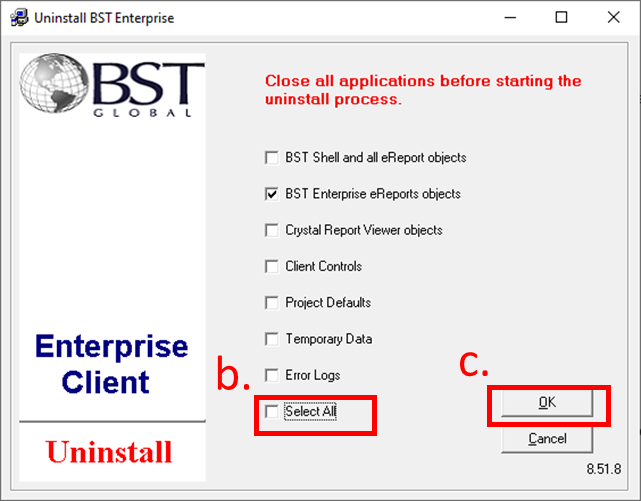
b. Check the Select All box at the bottom of the uninstall program.
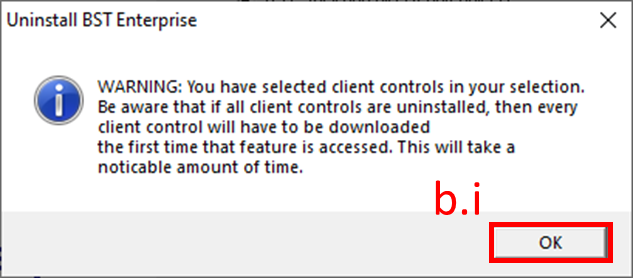
i. Click OK on the Uninstall BST Enterprise window.
c. Click OK
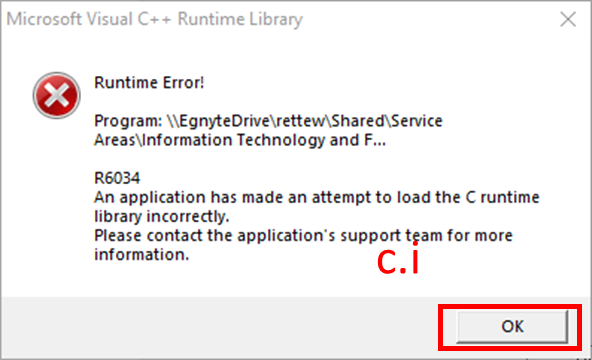
i. When error messages appear, click OK on all, as well as the final “Uninstall is complete” window.
4. Copy 3 – Copy to Desktop and Run to your desktop by right clicking the file and selecting Copy, then right click your desktop and select Paste.
a. Double click the file on your Desktop.
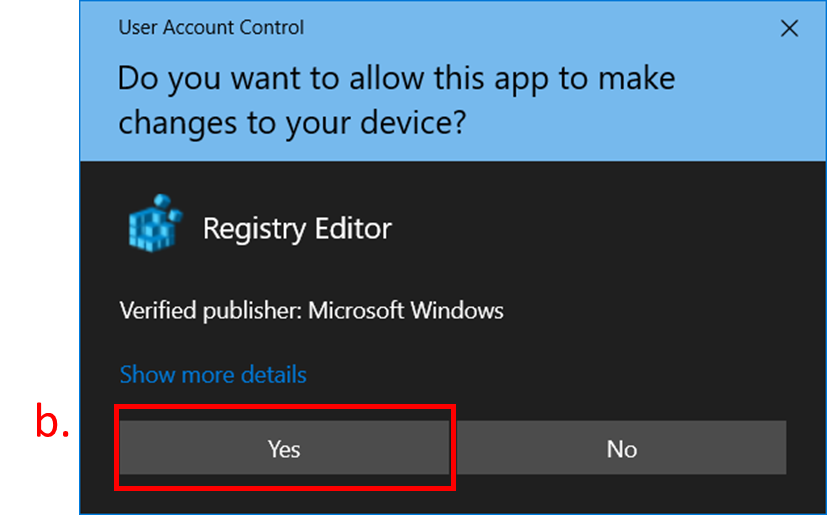
b. Click Yes on the User Account Control window that appears.
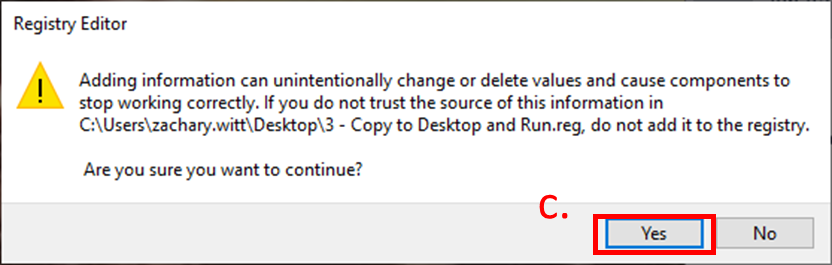
c. Click Yes on the Registry Editor window.
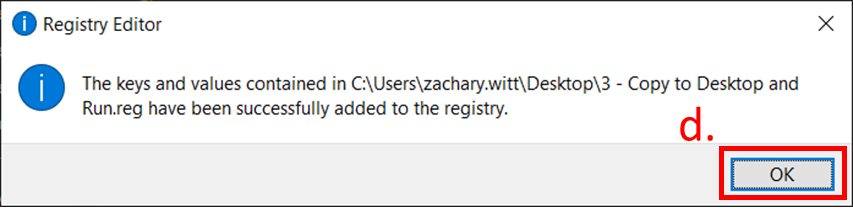
d. Click OK.
5. Double click 4 – Open BST and sign into BST
a. If User Account Control windows appear, click Yes on all of them until BST is installed and you are able to access the modules needed. This will also happen the first time you access a module.
Comments
0 comments
Article is closed for comments.